
SPECIFICATION AND PROCUREMENT / FIELD NOTE 44
Creating a Honeycomb Panel Schedule From Elevations
An elevation shows intent and location. The schedule turns each location into a purchasable item with geometry, finish and quantity tied to the correct revision.
What to check on your project
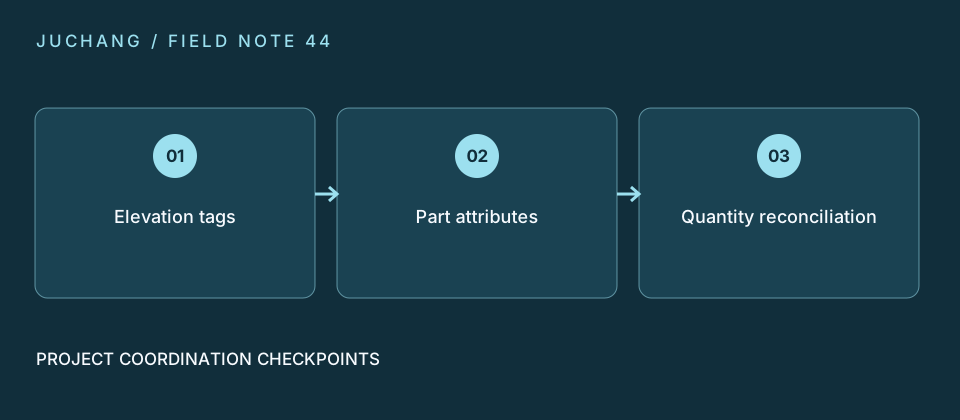
Start with zone and panel ID, then add finished width, height, orientation, build-up, edge type, openings, finish and quantity. Flag unresolved rows instead of assigning assumed quantities. Reconcile the total against marked elevations before requesting a quotation.